


Naara Chat Tips: Gestures, Status Updates and Other Things You Might Have Missed
October 14, 2026 · Supreme Admin

A quick tour of the small features that make Naara Chat faster: swipe to reply, status updates with mentions, scheduled messages and more.
Good chat apps are full of small shortcuts. Here are the ones in Naara Chat that people often discover late.
Swipe, tap and hold
Swipe a message to reply to it. Double-tap to react. Press and hold for more options. Press and hold the microphone to record a voice note, slide to lock it so your thumb is free, or slide away to cancel.
Make them yours
**Chat gestures** lets you choose what each gesture does, how long a press takes, or turn gestures off. A sample message on that page lets you try changes right away.
Updates
The **Updates** tab shows status updates from the people you are connected with. You can post a photo or a short video from the in-app camera, and mention people so they get a nudge. Brands on Naara Pro can post updates too.
The send menu
Press and hold send for options: send silently so nobody's phone buzzes, send so the message disappears, or schedule it for later. It is handy for early-morning messages across time zones.
Find things again
Star the messages you may need later, search inside a chat, and pull down on the list to search all chats. Select several chats at once to pin, mute or archive them together.
Slash and emoji menus
Type a slash for quick actions. Type a colon and a word for an emoji. On a computer, there are keyboard shortcuts for the common moves.
Photos and videos
Open an image to view it full screen and swipe between pictures from the same chat. Share contacts and locations from the attach menu.
Take the tour
The guided tours for Naara Chat point at the real buttons, one by one, and you can replay them from the help hub.
Questions people ask
**Can I turn off swipe actions?** Yes, in Chat gestures. You can also change what each gesture does.
**Who sees my status update?** People you are connected with, according to your privacy settings.
**How do I recall a scheduled message?** Open the scheduled item and cancel it before it sends.
Keep reading
-
 Naara Chat & Community
Voice and Video Calls on Naara: What Makes a Call Connect (and Why TURN Matters)
Calls inside Naara are peer to peer when they can be and relayed when they must be. Here is what that means fo...
2 min read
-
 Naara Chat & Community
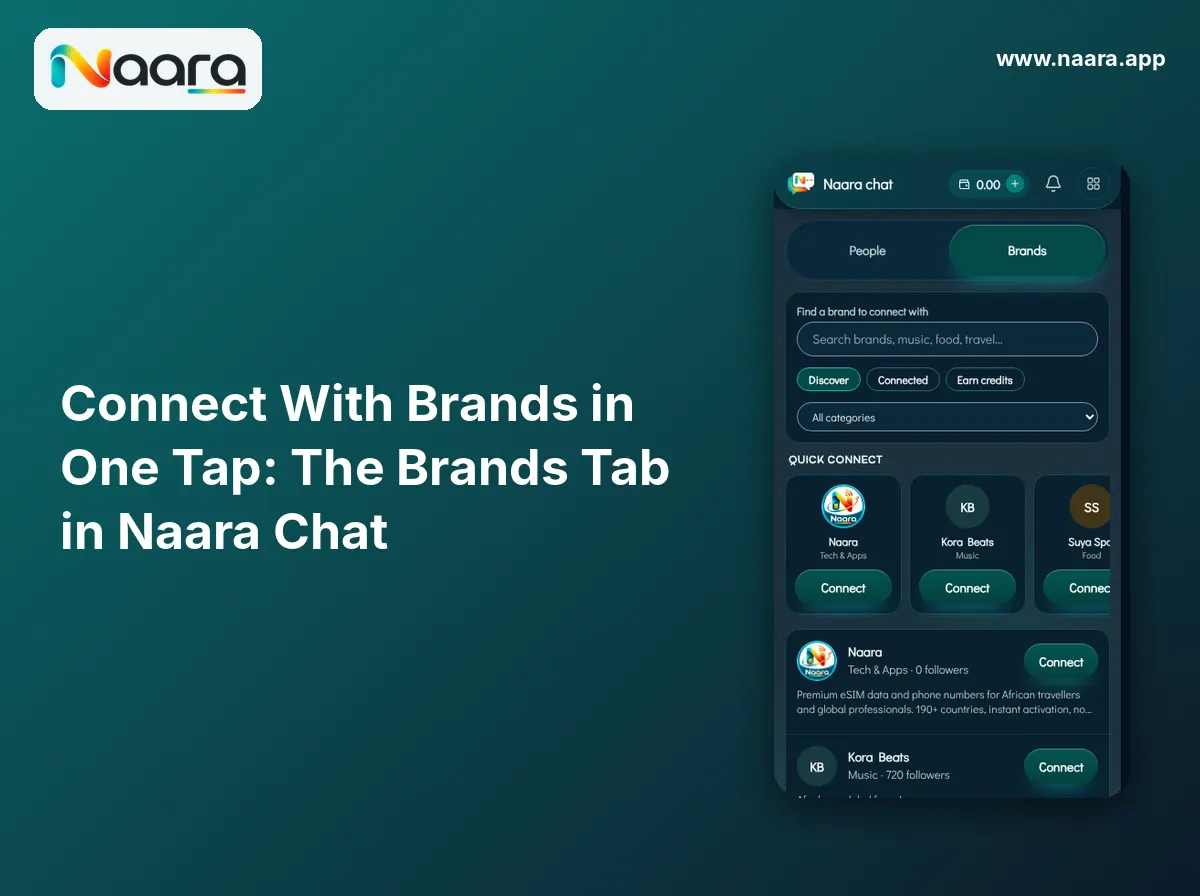
Connect With Brands in One Tap: The Brands Tab in Naara Chat
The Brands tab lets you find the music, food and travel brands you like, connect, message them and earn NaaraC...
2 min read
-
 Naara Chat & Community
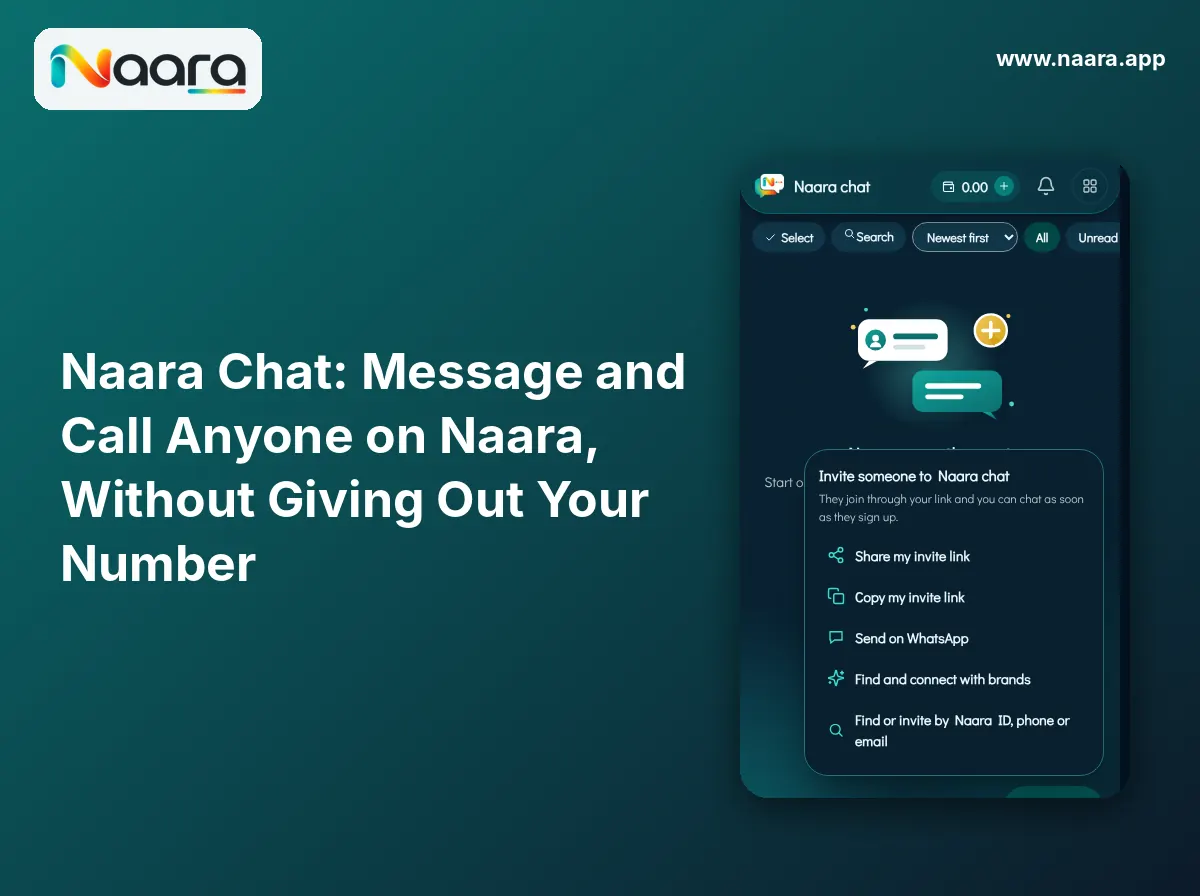
Naara Chat: Message and Call Anyone on Naara, Without Giving Out Your Number
Naara Chat lets you message and call people by their Naara ID. Here is what it does, how it is paid for, and t...
3 min read
-
 Naara Pro & Business
Broadcast Messages Done Right: Consent, STOP and What Channels Allow
A broadcast can build loyalty or burn your reputation. Here is how Respond handles consent, opt-outs and the r...
2 min read
-
 Money, Wallet & Pricing
Wallet Top-Ups and Gift Cards on Naara: Paying, Withdrawing and Staying in Control
One wallet pays for everything. Here is how to top up, which payment methods you can expect, how to withdraw e...
2 min read
-
 NaaraCredits & Loyalty
Earn NaaraCredits by Following Brands: How the Rewards Hunt Works
Follow a brand's real social pages, earn credits you can spend on chat and calls, and know exactly how it is c...
2 min read
Keep reading
-
Naara Chat & Community
Voice and Video Calls on Naara: What Makes a Call Connect (and Why TURN Matters)
Calls inside Naara are peer to peer when they can be and relayed when they must be. Here is what that means fo...
2 min read
-
Naara Chat & Community
Connect With Brands in One Tap: The Brands Tab in Naara Chat
The Brands tab lets you find the music, food and travel brands you like, connect, message them and earn NaaraC...
2 min read
-
Naara Chat & Community
Naara Chat: Message and Call Anyone on Naara, Without Giving Out Your Number
Naara Chat lets you message and call people by their Naara ID. Here is what it does, how it is paid for, and t...
3 min read
-
Naara Pro & Business
Broadcast Messages Done Right: Consent, STOP and What Channels Allow
A broadcast can build loyalty or burn your reputation. Here is how Respond handles consent, opt-outs and the r...
2 min read
-
Money, Wallet & Pricing
Wallet Top-Ups and Gift Cards on Naara: Paying, Withdrawing and Staying in Control
One wallet pays for everything. Here is how to top up, which payment methods you can expect, how to withdraw e...
2 min read
-
NaaraCredits & Loyalty
Earn NaaraCredits by Following Brands: How the Rewards Hunt Works
Follow a brand's real social pages, earn credits you can spend on chat and calls, and know exactly how it is c...
2 min read