


Naara Chat
Chat and call anyone on Naara. With your Naara ID, not your phone number.
Naara Chat is the in-network messenger built into your Naara account. Find people and brands by their Naara ID, message them, call them and plan with them, all without handing over a phone number.
- Naara ID, no phone number
- Voice calls inside Naara
- Planner and reminders
- Skins for every mood
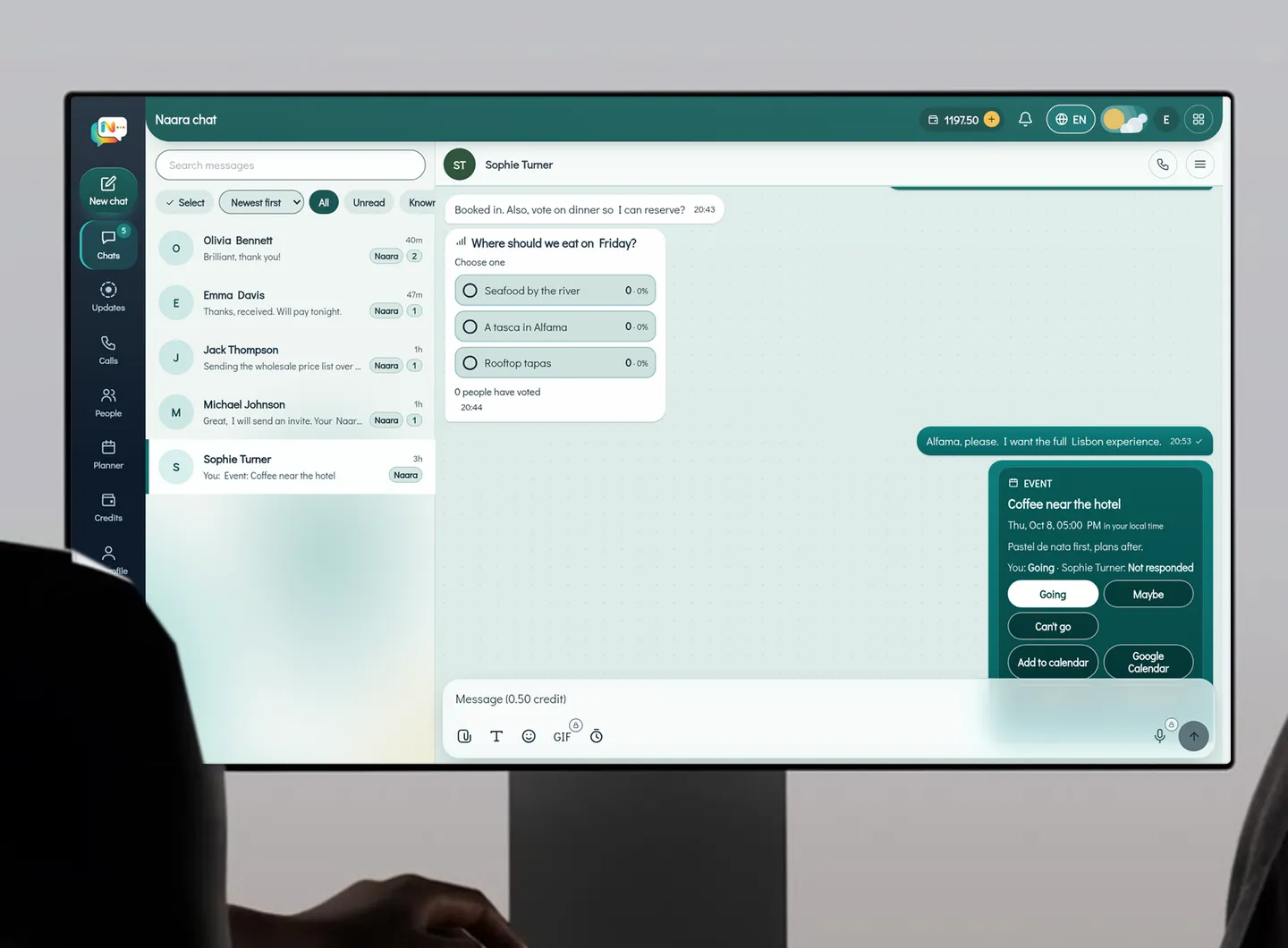
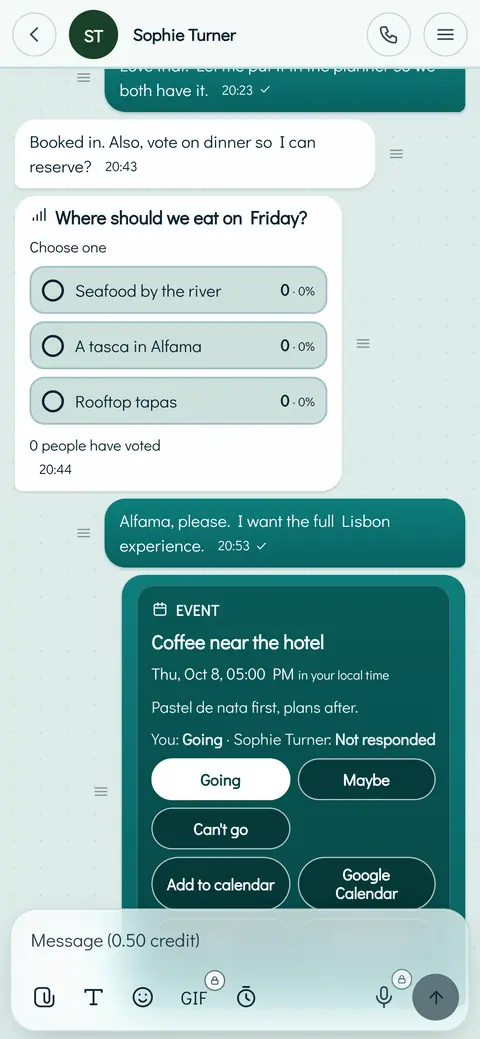
The essentials
Messages, calls and plans in one place
Three things people use a chat app for, done properly and kept together.
1Messages
Say it the way you mean it
Write with bold, italic, lists and coloured banners. React with one tap, reply to a single line, edit a typo, and send a voice note that shows its waveform.
- Rich text, reactions and replies
- Voice notes with a real waveform player
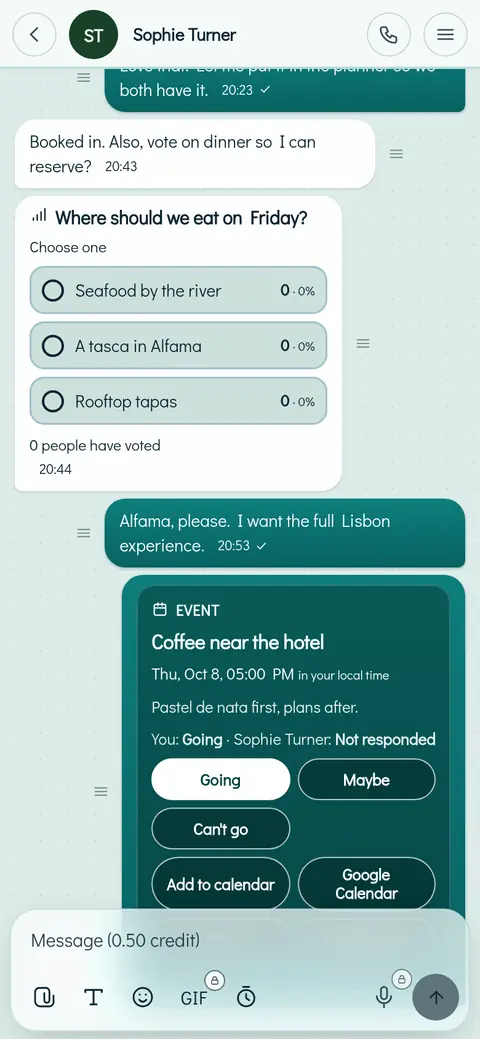
- Photos, documents, GIFs and polls
2Calls
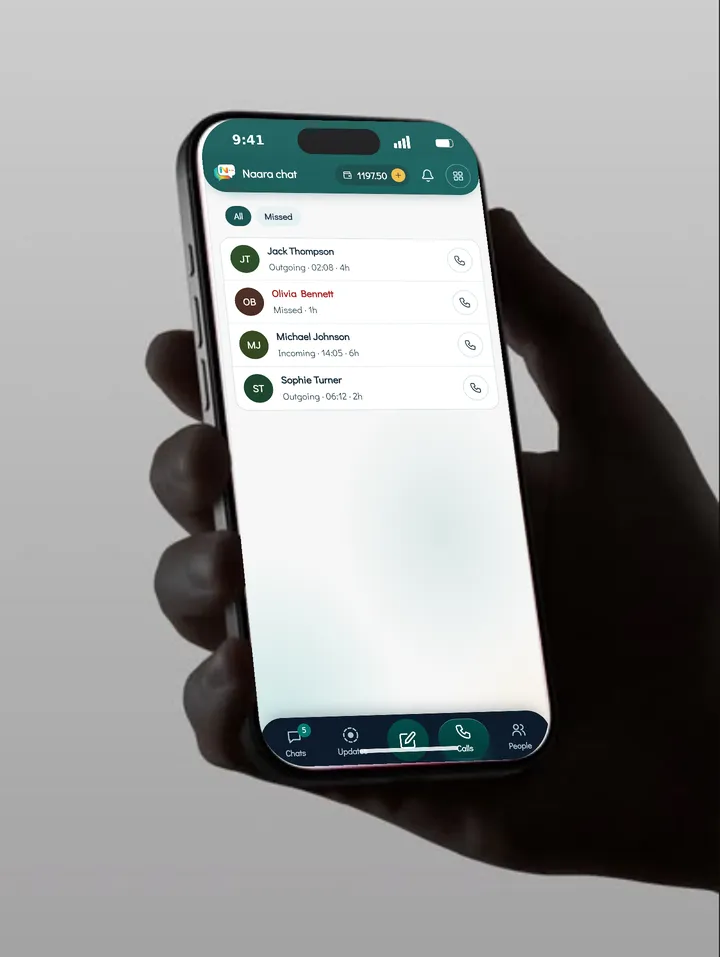
Talk the moment typing is slow
Start a voice call from any chat. The person who answers pays nothing, and the caller is billed by the second from their own credit, so there are no surprises.
- One-to-one voice calls inside Naara
- Calls and missed calls kept in one tab
- Group calls where your install runs a media server
3Planner
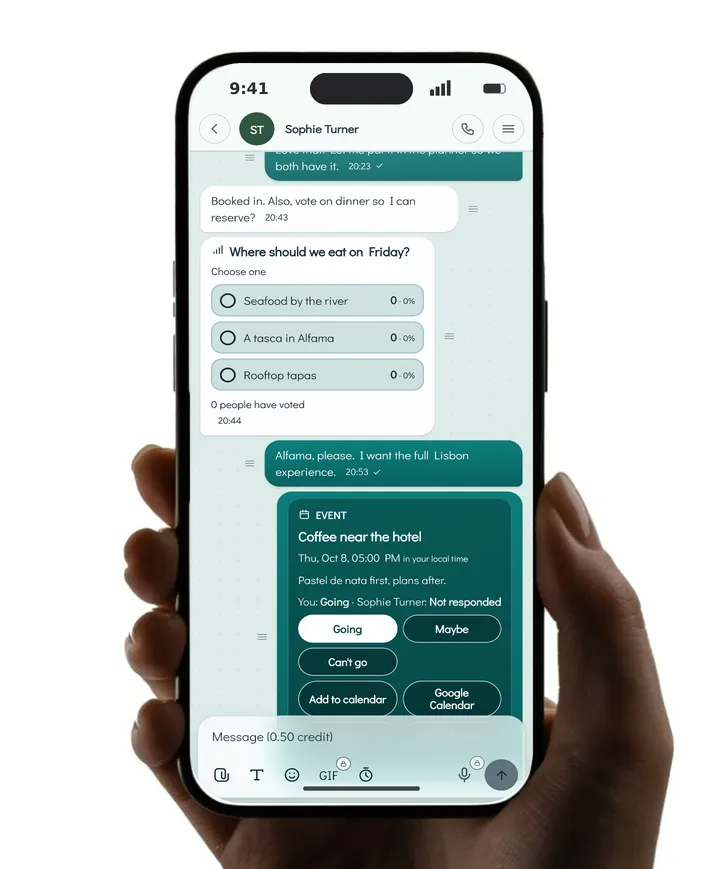
Turn a chat into a plan
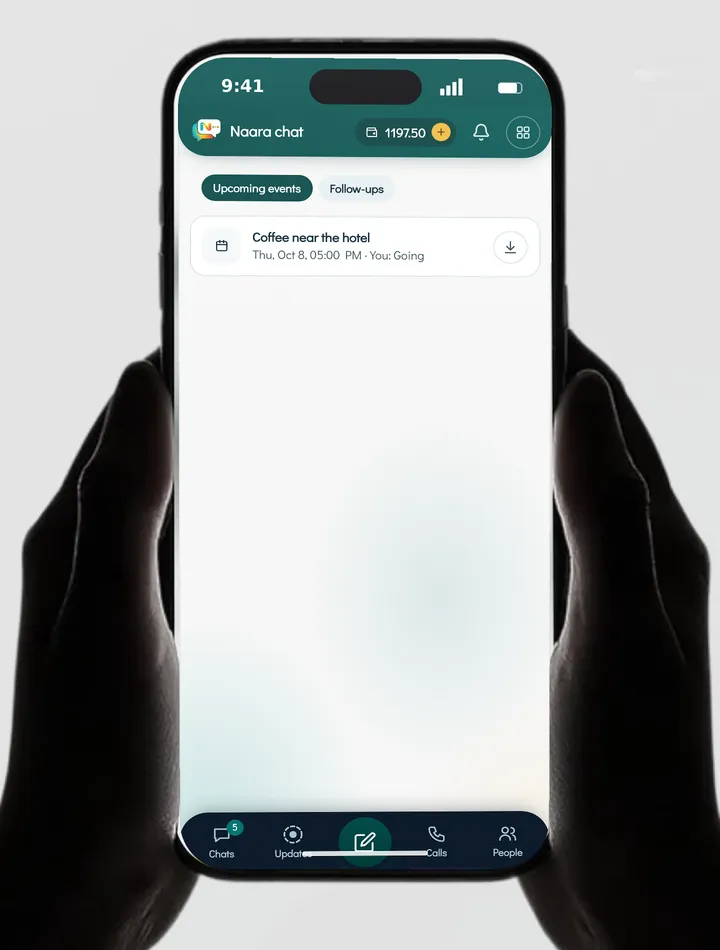
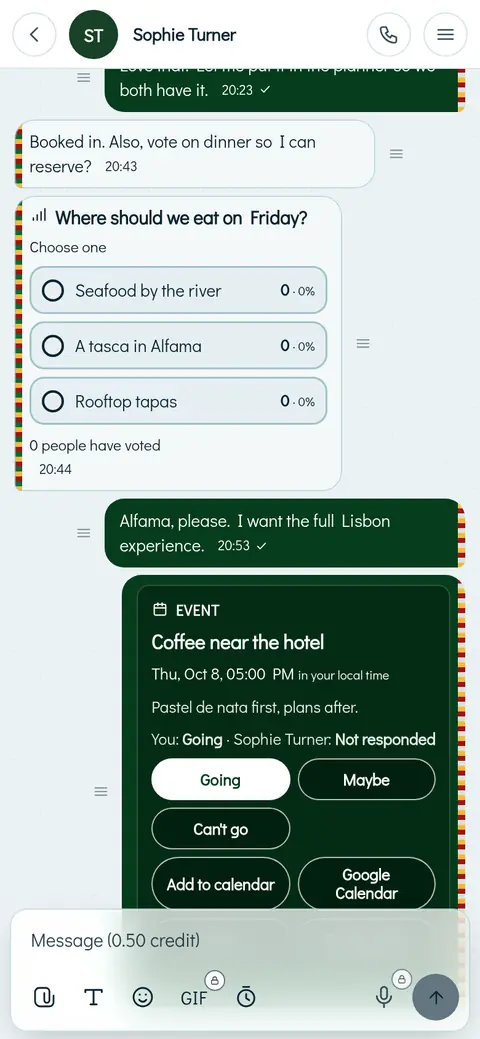
Create an event right in the thread and let people answer Going, Maybe or Cannot go. Add it to your calendar, get a reminder before it starts, and keep private follow-ups nobody else sees.
- Events with replies and calendar export
- Private follow-up reminders per chat
- An agenda of everything coming up
Power features
Everything you would ask a chat app for
The small things are where a messenger earns its place on your phone. These are built in.
Text styles
Bold, italic, strikethrough, code, lists, quotes and eight banner colours, with the shortcuts you already know.
Reactions
A closed set of 36 reactions, with your own quick bar that you can reorder and reset.
Reply, forward and edit
Quote one message, forward text to chats you choose, and fix your own message for a short while after sending.
Voice notes
Record, preview, send. Listeners get a waveform, speed control and automatic play of the next unheard note.
Polls
Ask a question with one or many answers and watch the results move live.
Scheduled sending
Write now and choose when it goes, from a minute to thirty days ahead.
Live location
Share where you are for fifteen minutes, an hour or eight. It stops when time is up, and nothing is kept.
Documents and media
Send photos, video, audio and documents, and find them again in the chat library.
Pin, star and mute
Pin the chats that matter, star the messages you need, and mute the noisy ones for hours, a week or for good.
Search that finds it
Search your chats and find the message you meant, without scrolling for it.
Mentions
Type an at sign to bring someone into the line, and see your own name light up.
GIFs
Send a GIF, or make your own from a short video in the GIF studio.
Privacy and control
You decide who reaches you, and for how long
A chat app should give you control, not ask you to hand it over.
Disappearing messages
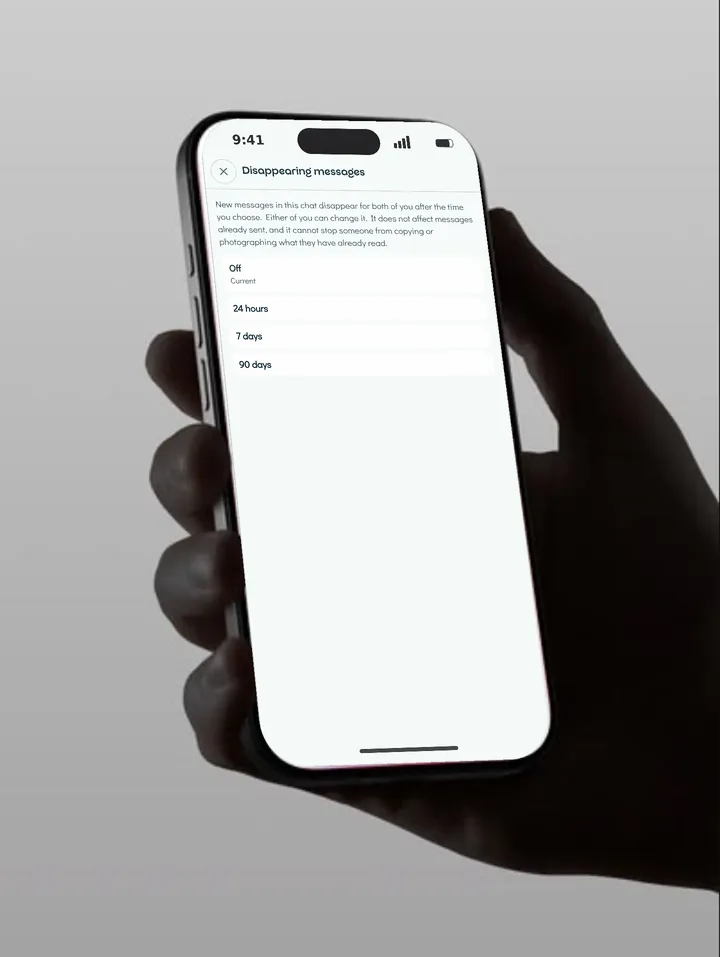
Set a chat to clear after 24 hours, 7 days or 90 days. Either person can turn it on, and both see the notice.
Chat lock
Protect a chat with your own PIN. Locked chats leave the main list, the previews and the search until you unlock them.
Block and report
Block someone in a tap, or report them with the message that matters. A real person reviews reports.
Receipts on your terms
Choose whether people can see when you have read their message.
Delete for me, or for everyone
Clear a chat, remove a message from your side, or take it back for both of you.
Your data, your export
Download what you have written, and ask for it to be erased from your account at any time.
What we are honest about
Naara Chat is encrypted in transit, but it is not end-to-end encrypted, and forwarding a message hands it to someone else's chat. We say so inside the app, and we say so here, so you can decide what to put in it.
For brands
From the brand directory to a conversation
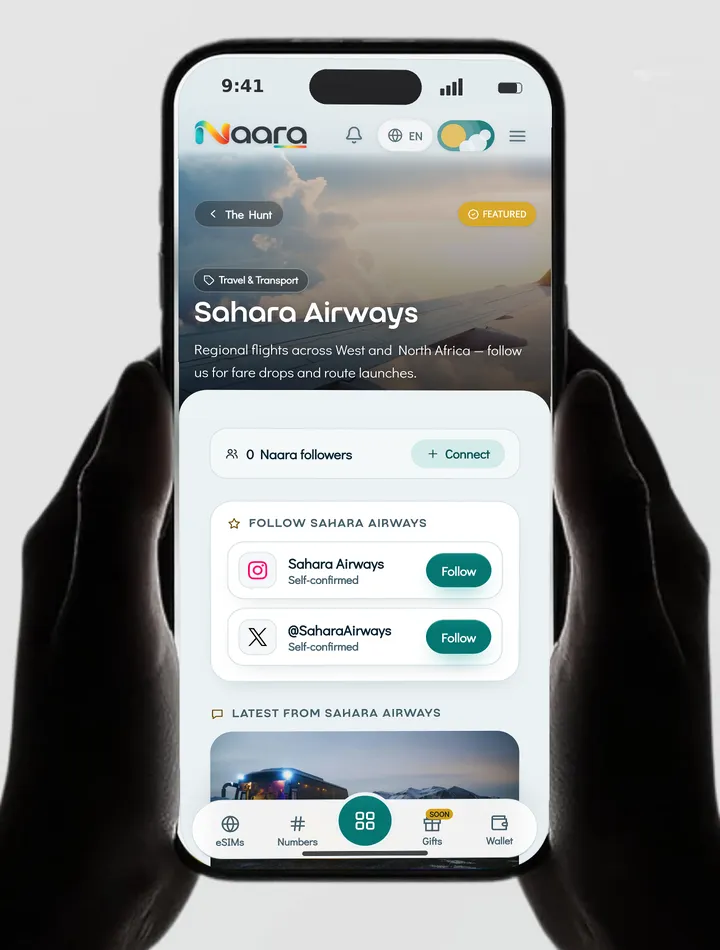
A brand on Naara is more than a logo in a list. A Naara Pro brand has its own profile with links, albums and music, and a Message button that opens a chat with the team behind it.
Followers become customers because the next step is one tap away. And because both sides are on Naara, the chat, the call and the follow-up all stay in the same place.
Browse the brand directoryLooks like you
Every Naara skin gives chat its own signature
Bubbles, the composer, event cards and the thread background all follow the skin you choose, so the place where you spend the most time feels like yours.
Naara Surface
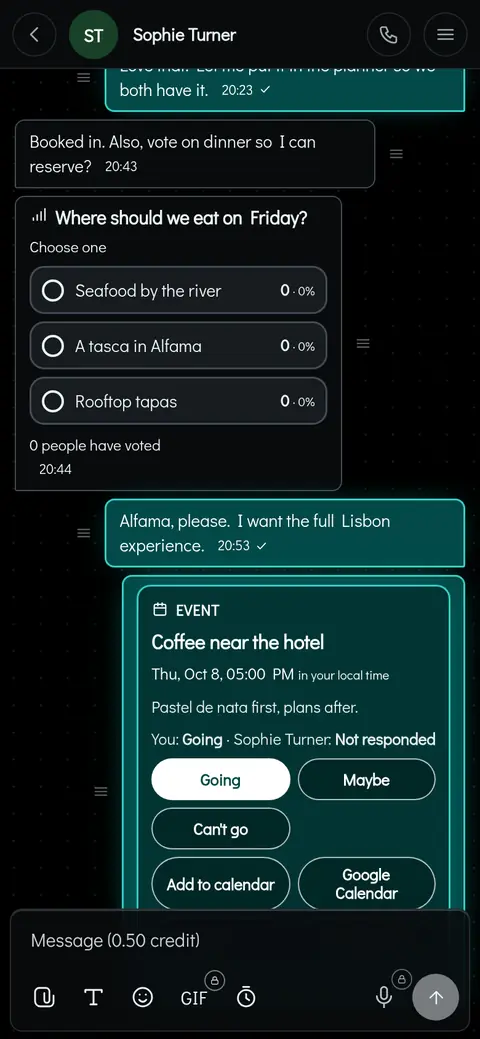
Noir
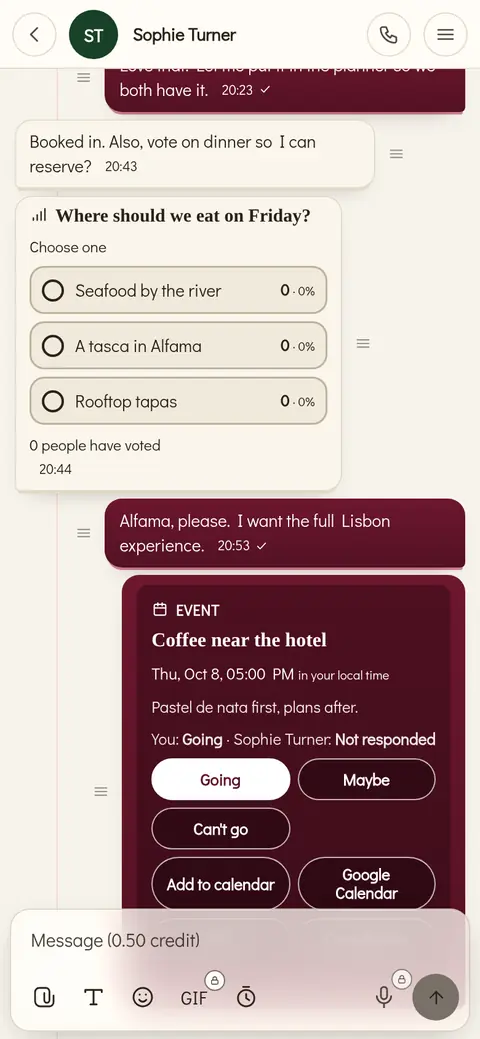
Paper
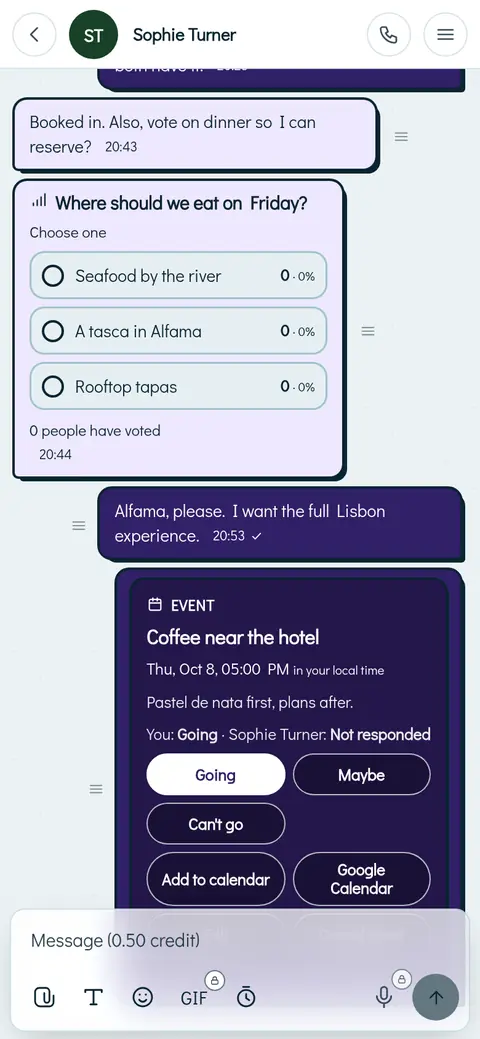
Neo
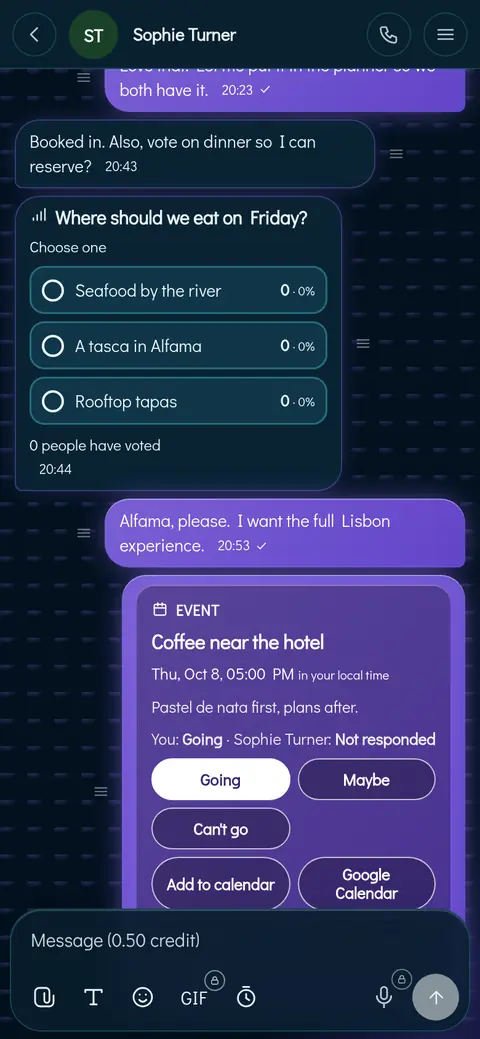
Aurora
Ankara
Simple to fund
Pay with NaaraCredit or your wallet
Naara Chat has no subscription. You top up the credit you want and it is used only when you send or call.
The sender pays
A message costs the person sending it a small amount of credit. Receiving never costs you anything.
Calls billed by the second
The caller pays for the time they use, from their own credit. The person who picks up pays nothing.
Pro for the rich stuff
Voice notes, photos, video and GIFs are part of a Naara Pro plan. The basics stay open to everyone.
Your wallet, your choice
Fund chat from NaaraCredit, or from your wallet balance when you choose to.
Questions
Before you start
No. People reach you by your Naara ID. You can also choose to be found by username, and you decide who can message you.
No. Messages and calls are encrypted in transit, but they are not end-to-end encrypted. Please do not use it for secrets you would not put in an ordinary email.
There is no subscription. A message costs the sender a small amount of NaaraCredit, calls are billed to the caller by the second, and the person receiving pays nothing.
Naara Chat is built around one-to-one conversations. Group voice calls are available where your install runs a media server, with a host and up to five speakers.
Someone you have not talked to before arrives as a message request. You can accept it, decline it or block them, so a stranger never lands straight in your inbox.
Yes. Naara Chat is part of the Naara app and works in the browser on any phone or computer, with the same skins you chose for your dashboard.
Your next conversation is one Naara ID away
Open your account, claim your Naara ID and say hello.








