


Naara Commerce for WooCommerce
Add the delivery bar, cross-sell, bundles, order bump and come-back coupons to a WooCommerce shop.
Naara Commerce is a Naara Pro plugin for WooCommerce. It adds ways to raise every basket without you lifting a finger. It runs on the connection that Naara Business already made, so you do not paste a second key.
#What you need first
- WooCommerce installed and active.
- Naara Business installed and connected.
- An active Naara plan that includes Naara Commerce.
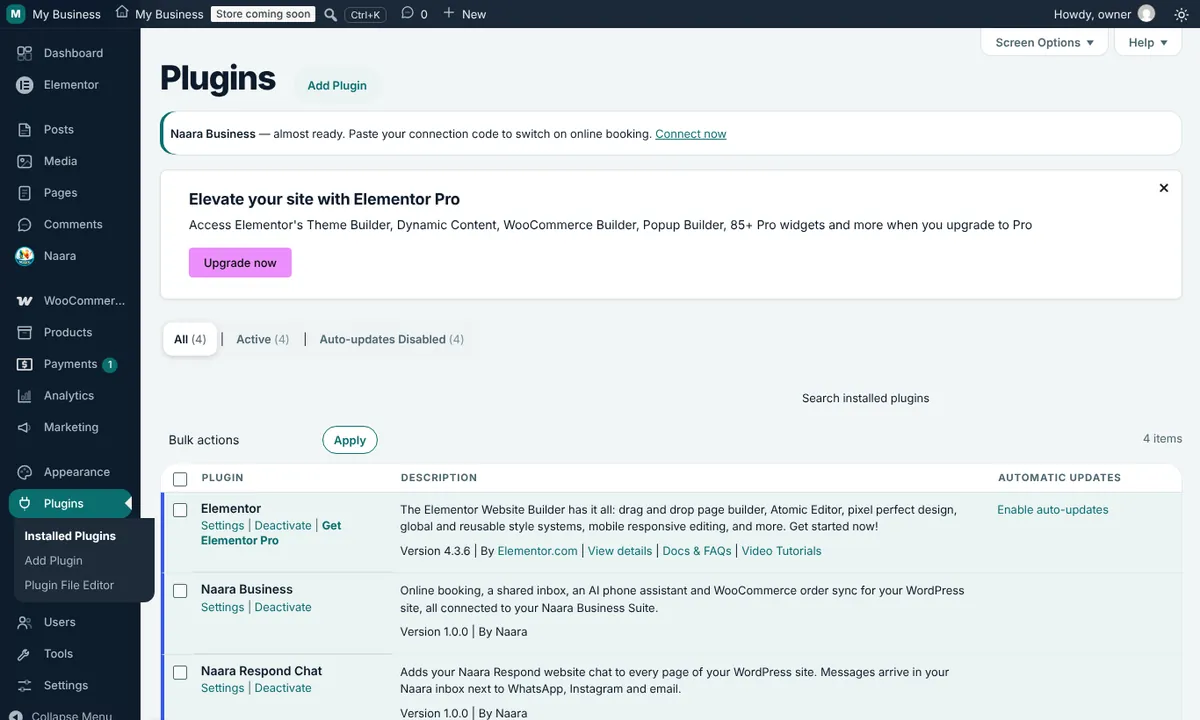
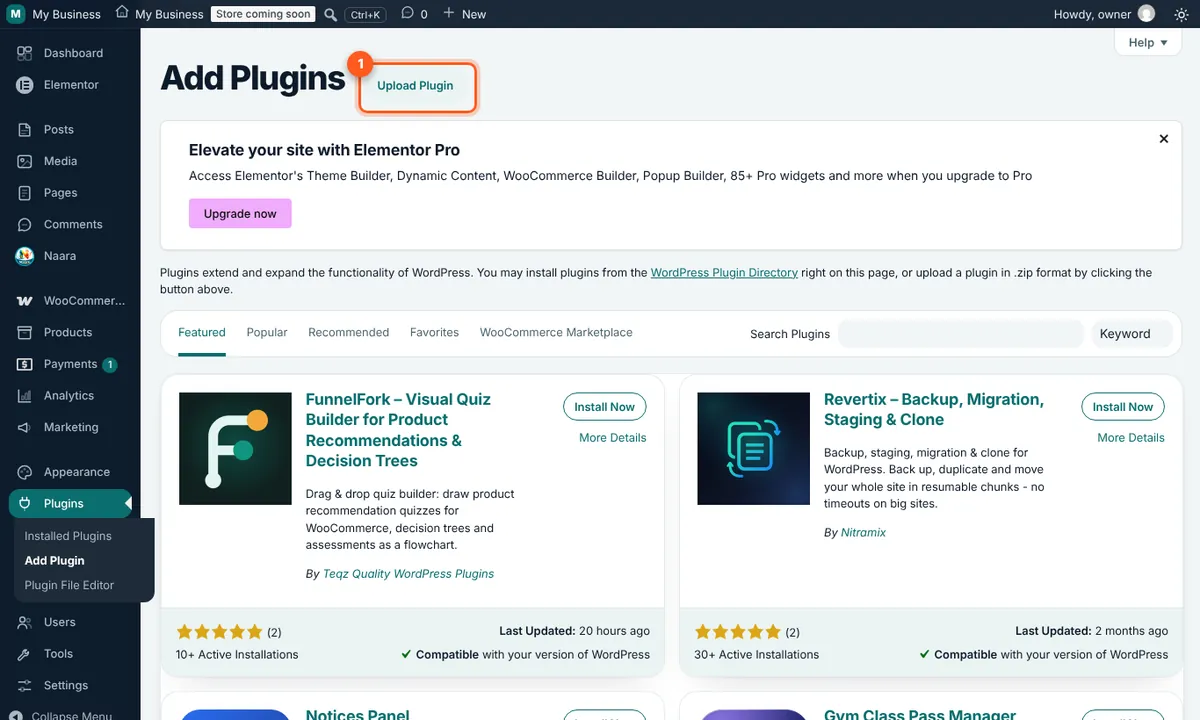
#1. Download and upload
Download Naara Commerce from Connect your website, then upload it exactly like the other plugins.
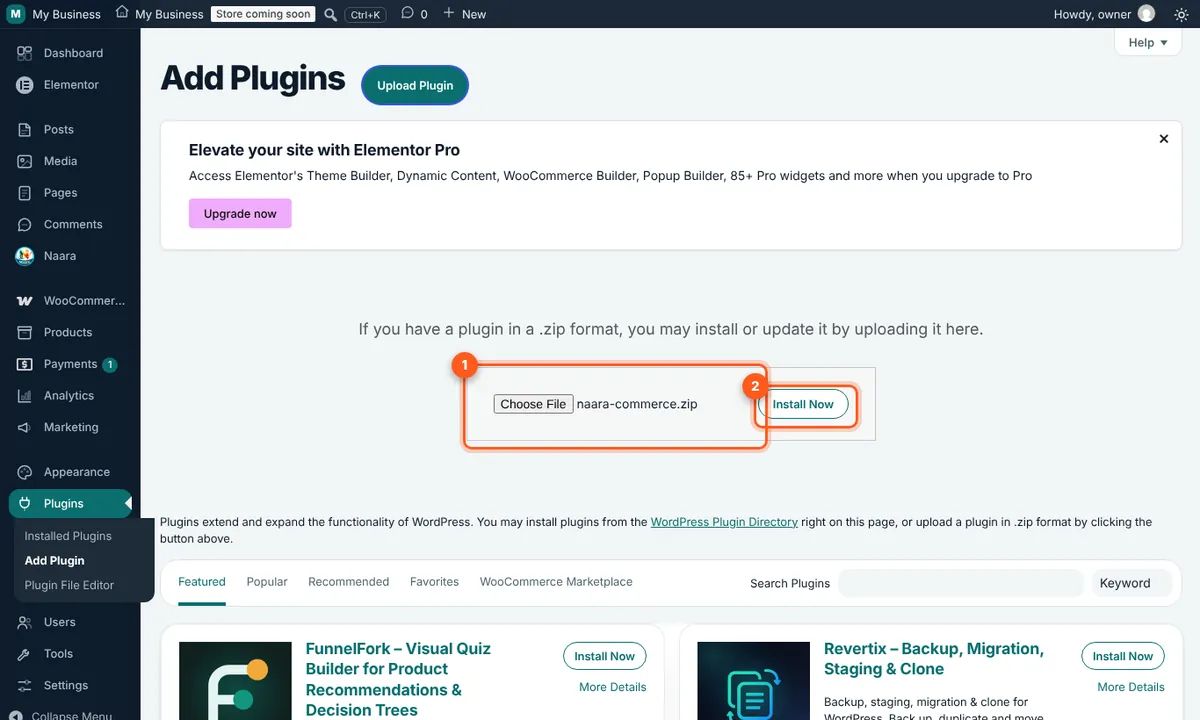
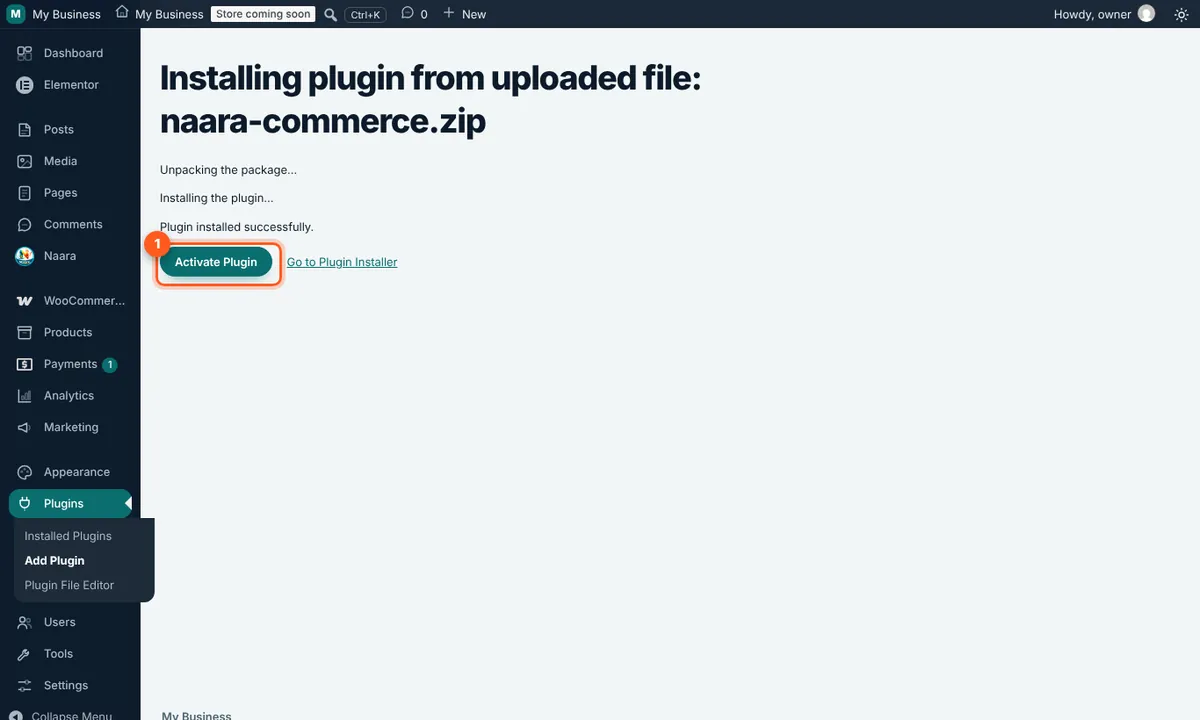
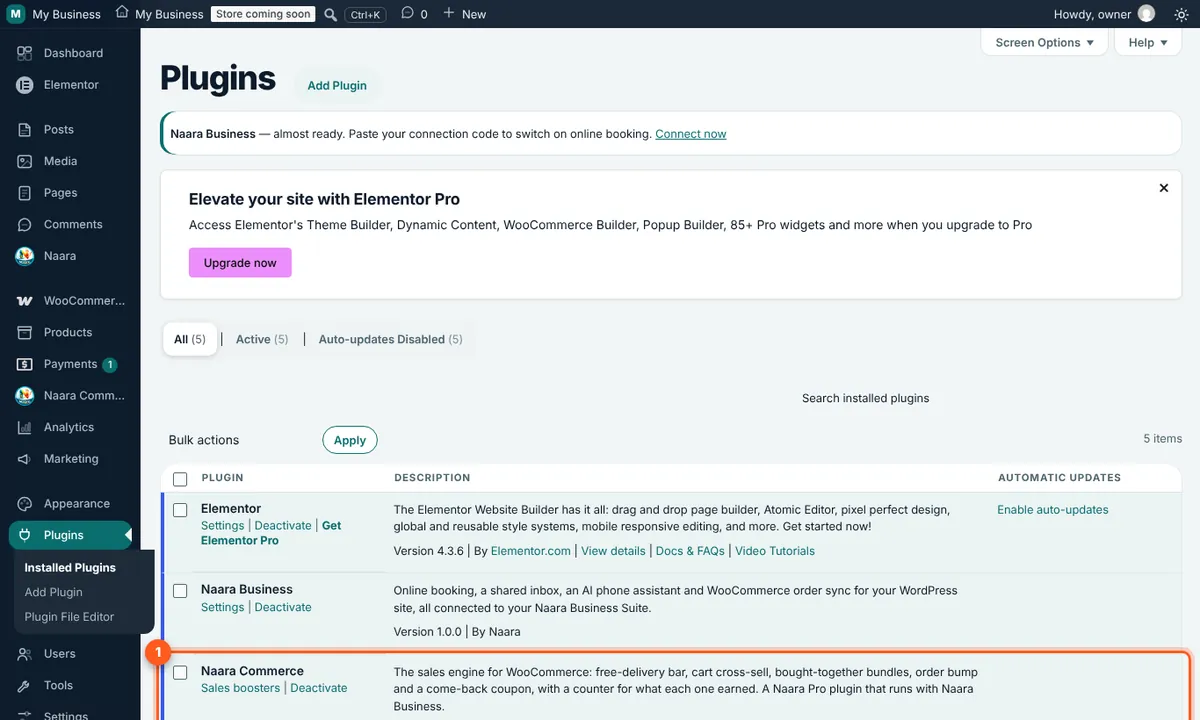
#2. Open Naara Commerce
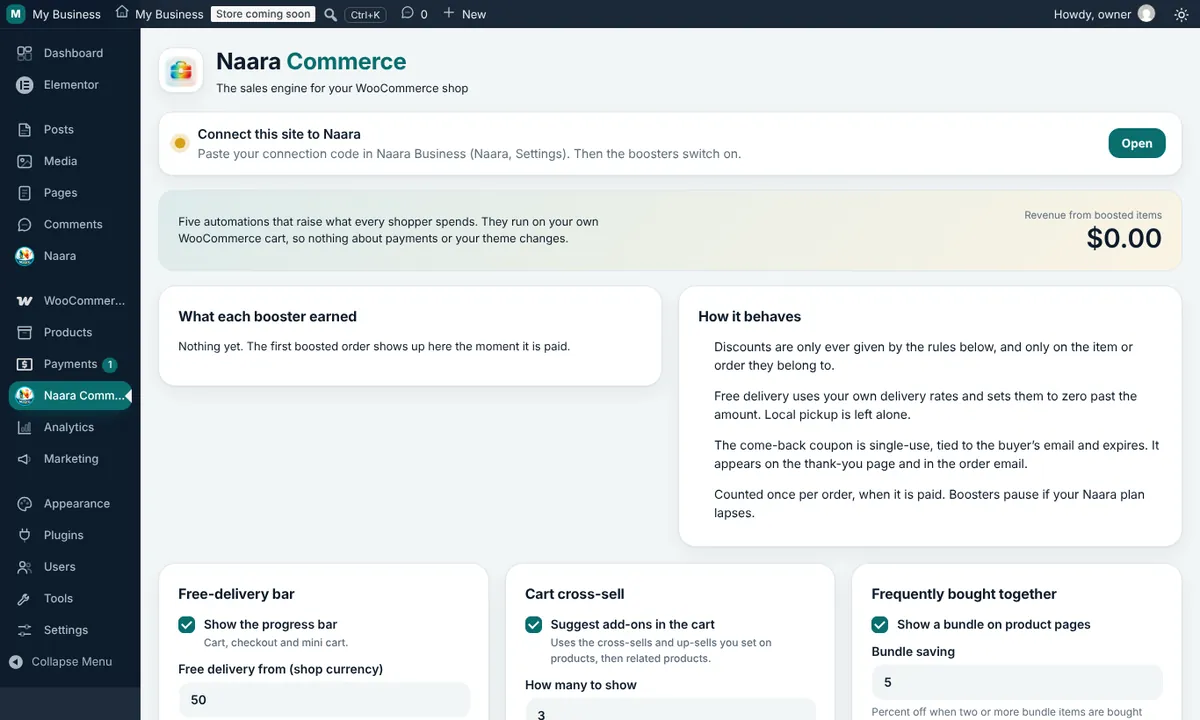
A Naara Commerce menu appears. If the top card says Connect this site to Naara, connect Naara Business first; the boosters switch on as soon as the connection and plan are active.
#3. The boosters
| Booster | What it does |
|---|---|
| Free-delivery bar | A progress bar in the cart, checkout and mini cart that pulls shoppers up to your free-delivery amount. |
| Cart cross-sell | Suggests the right extras for what is already in the cart. |
| Bought together | A bundle on the product page with a saving when they buy two or more. |
| Order bump | One irresistible add-on with its own discount, right before payment. |
| Come-back coupon | A single-use, expiring coupon for every buyer, tied to their email and shown on the thank-you page. |
| Proof, not guesses | See what each booster earned, counted once per paid order. |
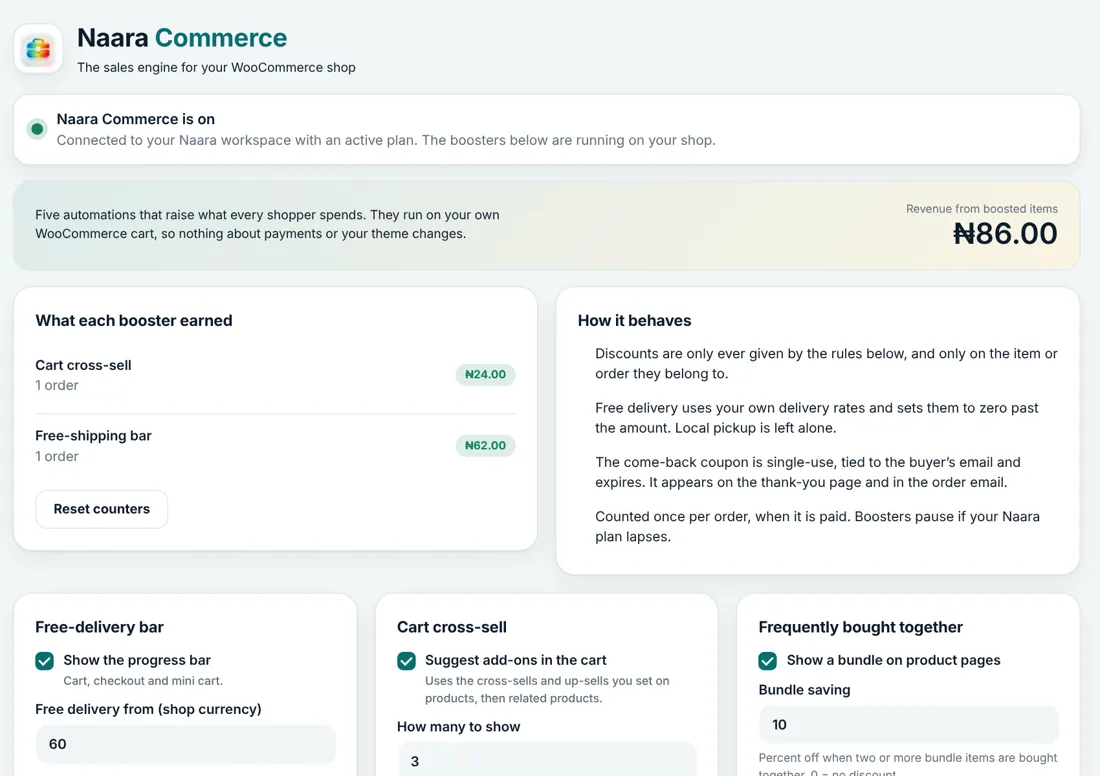
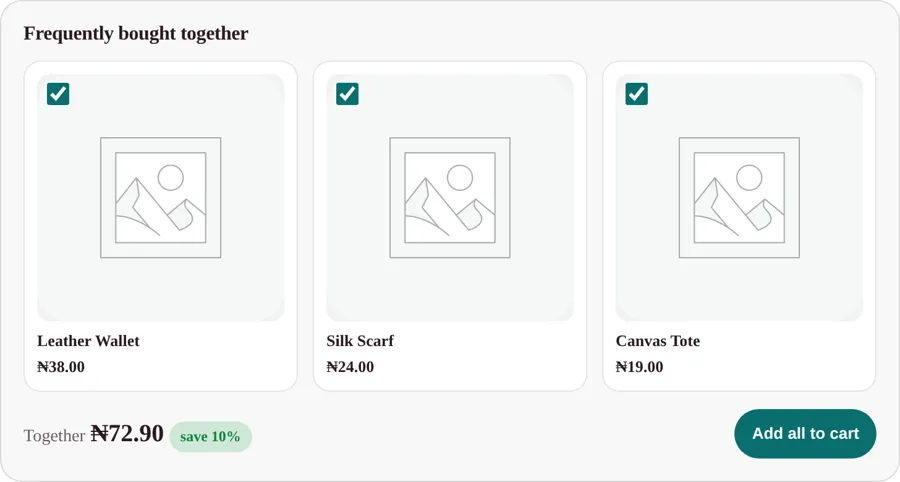
Discounts are only ever given by the rules you set and only on the item or order they belong to.
#4. Orders and follow-ups
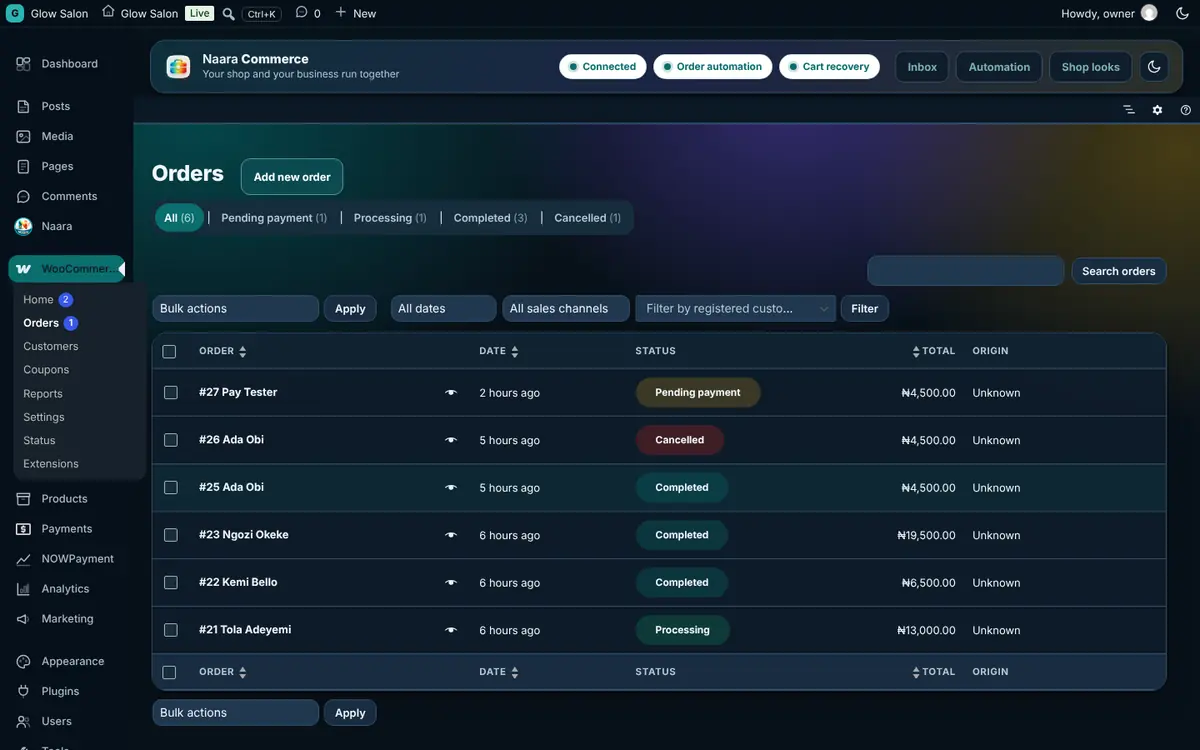
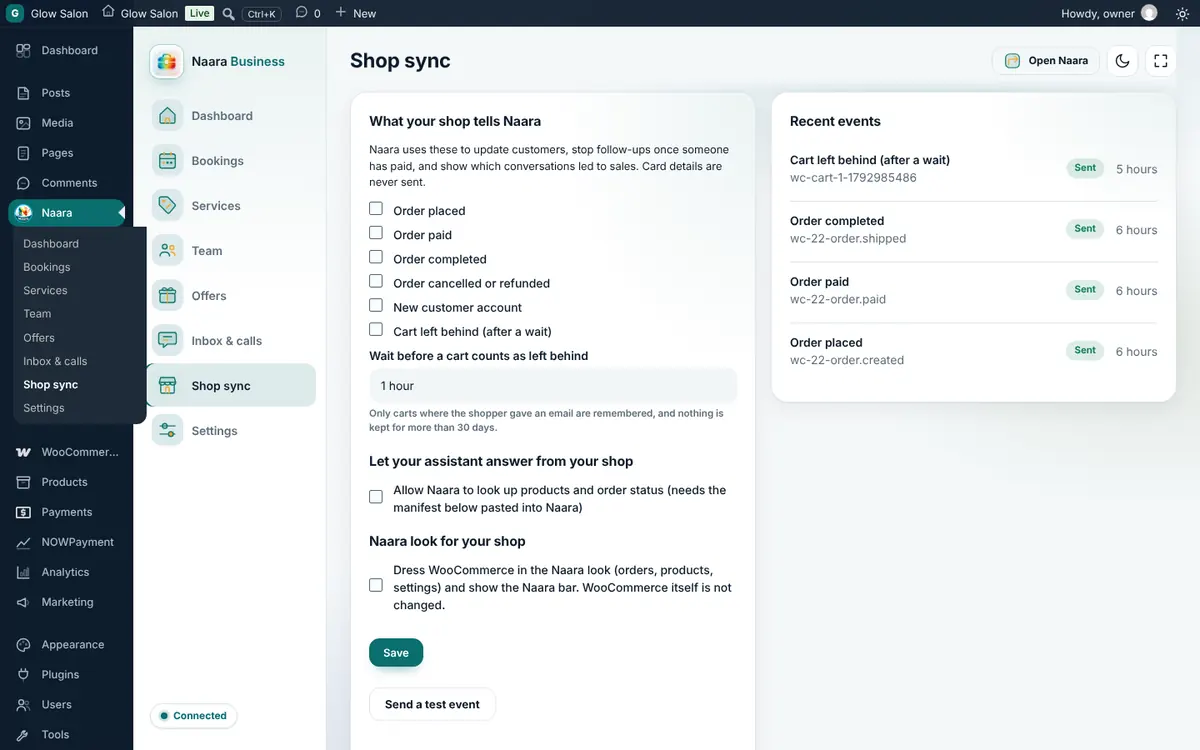
With Naara Business connected, paid orders and abandoned carts reach your Naara inbox and CRM. Follow-ups stop the moment someone buys, so nobody gets a nudge after paying.
#Pick a shop look
For a dedicated online-shop look, use the Naara Shop themes (20 looks) from Connect your website. Upload them like any theme: Install Prestige shows the same steps.








