


Naara Widgets
Sell eSIM data, verification numbers and gift cards on any page, on WordPress or any website.
Naara Widgets lets your website sell eSIM data plans, verification numbers and gift cards at your price. Naara hosts the checkout, takes the payment, delivers the product and supports the buyer, and you earn the margin. It has its own plugin, its own key and its own dashboard, so it runs without Naara Business and without the Business Suite.
Note Widgets must be switched on by the platform owner. If you do not see it in your account, ask your Naara contact once, then follow this guide.
#1. Make a key
In your Naara merchant area open My Storefront, Widgets and create a key. Give it the exact domains it may run on (no wildcards; add www separately). The key in the page is public and only identifies your site; every call is checked live against the domains you listed.
#2. Install on WordPress
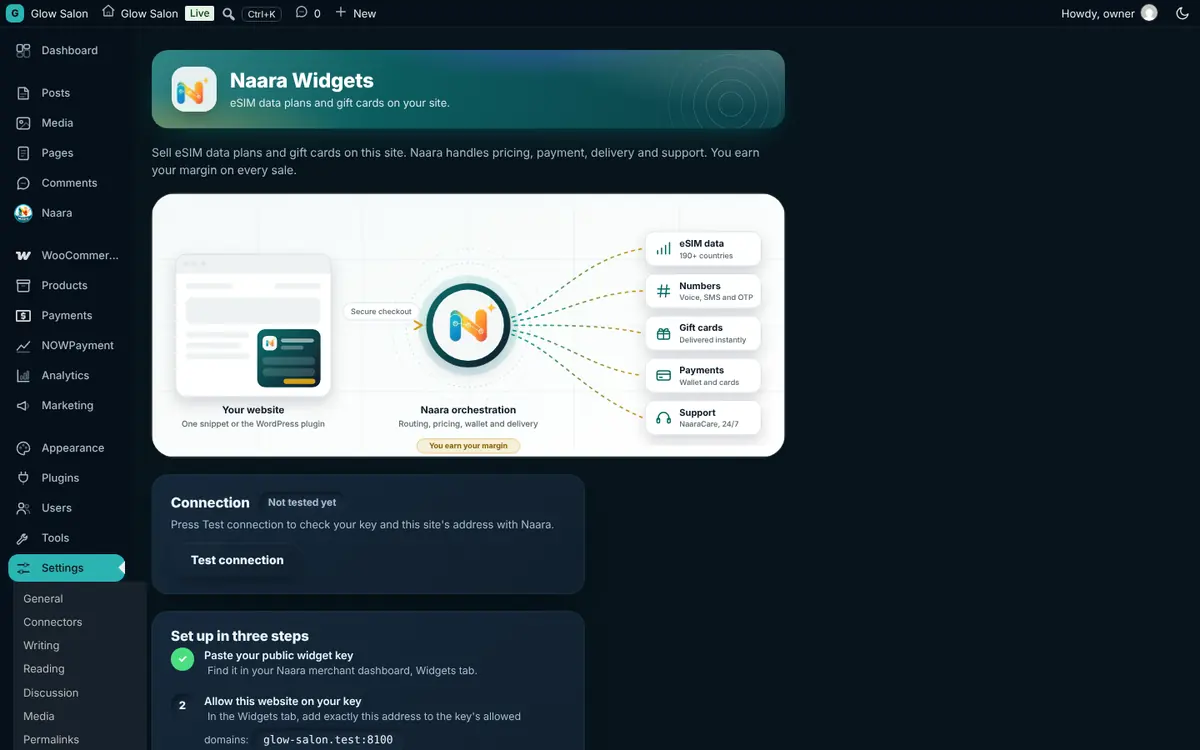
Download the WordPress plugin from the same Widgets page (it comes with your key already inside), then upload it under Plugins, Add New Plugin, Upload Plugin, exactly as in Install the Business plugin.
Open the plugin's settings. It shows a set-up checklist, the exact site address to allow, and a connection test that runs in your browser the way a visitor's page would.
#3. Put it on a page
Use a shortcode on any page:
| Shortcode | Shows |
|---|---|
[naara_widget type="esim"] |
eSIM data plans |
[naara_widget type="number"] |
Verification numbers |
[naara_widget type="giftcard"] |
Gift cards |
[naara_widget] |
Everything, with tabs |
[naara_account] |
A "My orders" page for shoppers |
There is also a block in the block editor with the same options.
#4. On any other website
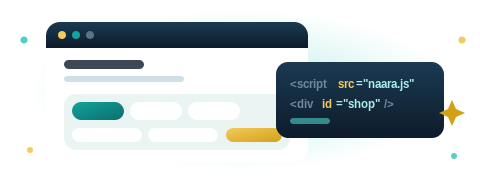
Copy the one-line snippet from the Widgets page and paste it into your site's HTML where you want the widget.
#What your customers see
A clear three-step strip (pick one, pay securely, get it by email), country search, value buttons for gift cards, and a hosted checkout page that never touches your server. Shoppers can sign in with an emailed code to see their orders.








