



Updates and your licence
How updates arrive, what a plan unlocks, and how your colour follows you across every Naara plugin.
#Plugin updates
Naara Business owns updates for every Naara plugin on your site, including Naara Commerce. They arrive on the normal WordPress Dashboard, Updates screen, with an Update now button, like any other plugin.
- The list of versions is public and cached.
- The download itself is only handed to a connected site with an active plan. It is signed with your site's key, exactly like every other call, so an update is as protected as the first download.
If an update does not appear, check that Naara Business still says Connected (see Install and connect).
#Theme updates
Download the new theme zip from Connect your website and upload it again under Appearance, Themes, Add Theme, Upload Theme. WordPress will say a newer version is being installed and offers Replace current with uploaded. Your settings, pages and menu stay, because they live in your database, not in the theme files.
Tip Take a backup before a theme update, as you would before any update.
#What a plan unlocks
Some features sit behind an active Naara plan, for example Naara Commerce and the shared inbox features. When a plan lapses, the feature pauses and the page tells you so; your data stays. Renew and it comes back.
#One colour everywhere
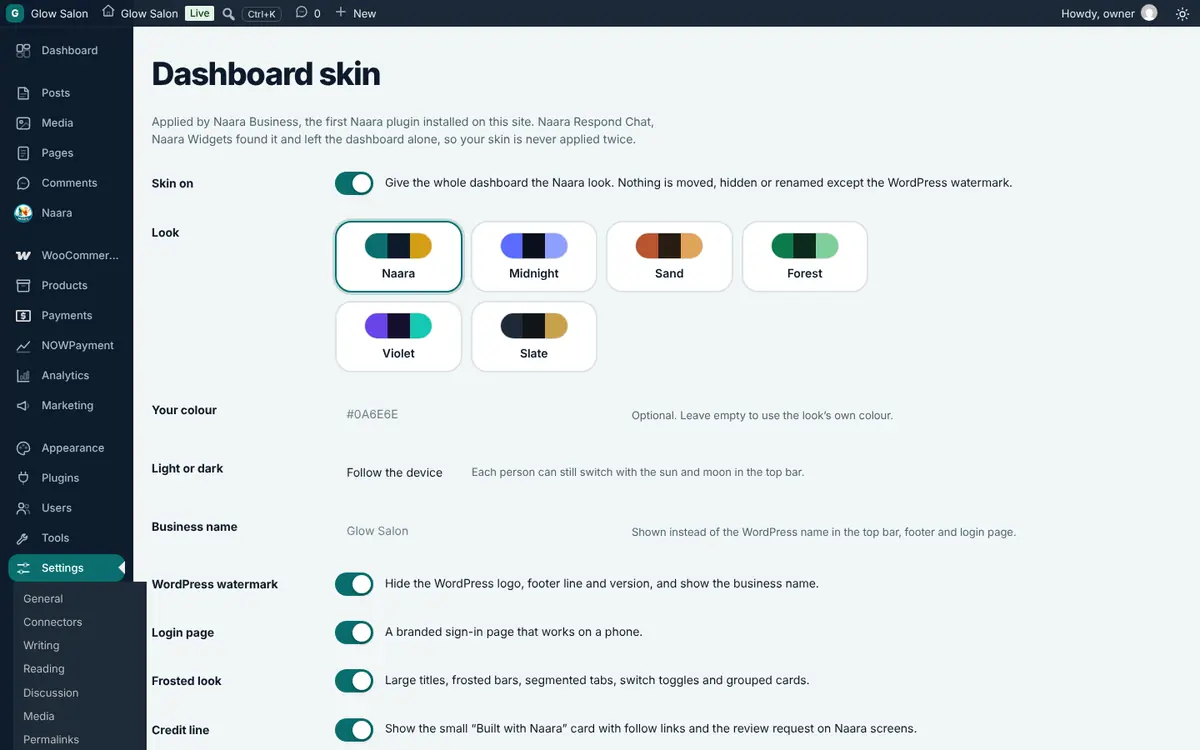
The colour you chose in your Naara dashboard carries across the Naara plugins and, until you choose another, the Prestige theme. To use a different site colour, set it in Appearance, Naara Prestige.








